Up to 4K output
Choose 1K, 2K, or 4K. Text-to-image costs 3/4/9 credits at 1K/2K/4K. With reference images the cost is 3/5/10 credits. Save the result as PNG or JPG.
 Nano Banana 2.1
Explore Nano Banana 2.1 for expressive images, consistent characters and precise photo edits. Start with an idea, refine the details and give your next visual a clear direction.
Nano Banana 2.1 is the image model this website uses to create pictures from a text prompt or to edit pictures with reference uploads. You can pick 1K, 2K, or 4K, an aspect ratio, and PNG or JPG output. Each generation spends account credits. This site is independent and is not operated by Google.
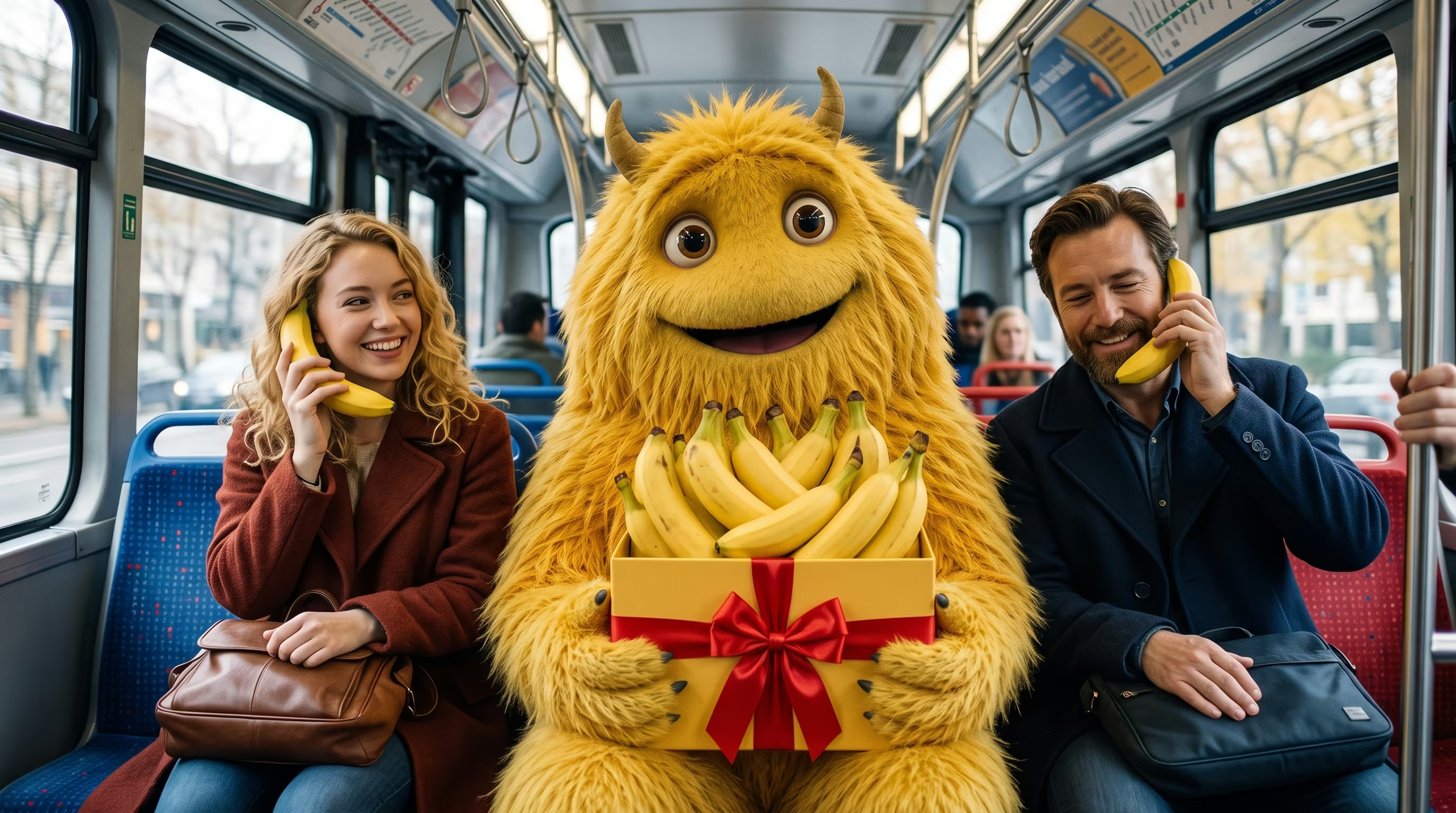
Text to image · Reference-guided editing · Creative control
These points describe the Nano Banana 2.1 controls on this website. They are not a ranking against other models.
Choose 1K, 2K, or 4K. Text-to-image costs 3/4/9 credits at 1K/2K/4K. With reference images the cost is 3/5/10 credits. Save the result as PNG or JPG.
A prompt can include the words you want in the image, up to 20000 characters. This site does not publish a text-accuracy score. Proofread letters and labels before you use the image.
Upload up to 10 reference images (JPEG, PNG, or WebP; 20 MB each; 50 MB total) and describe the features to keep. Results can still change, so review every image.
This site runs Nano Banana 2.1 in the browser, with 1K to 4K output billed in credits. The comparison page lists those product facts. That page is in English.
Bring a clear visual idea to product campaigns, stories and everyday design.
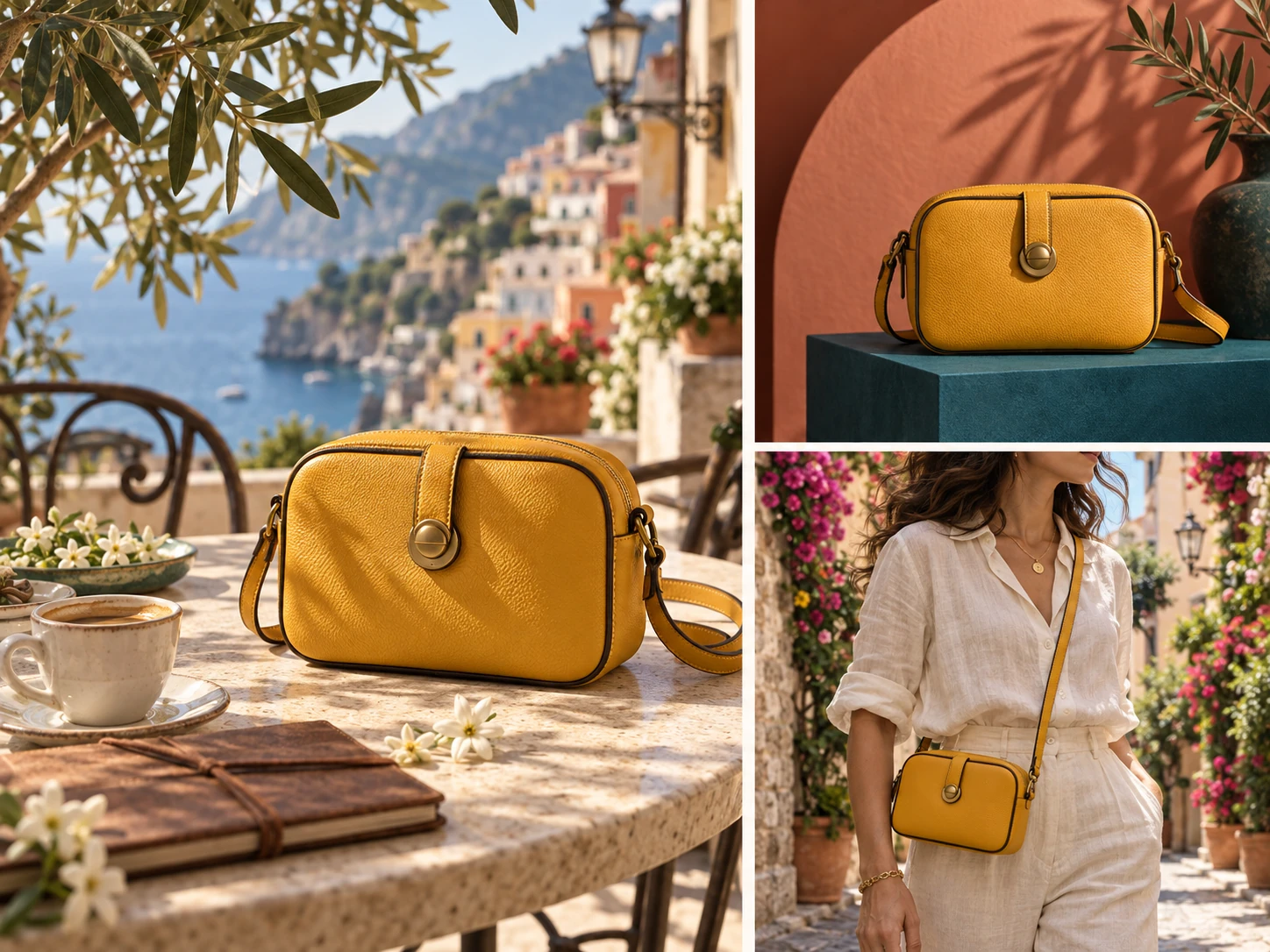
Explore backgrounds, lighting and compositions around a product reference. Review labels, proportions and small details before using a final image.
Explore the workbench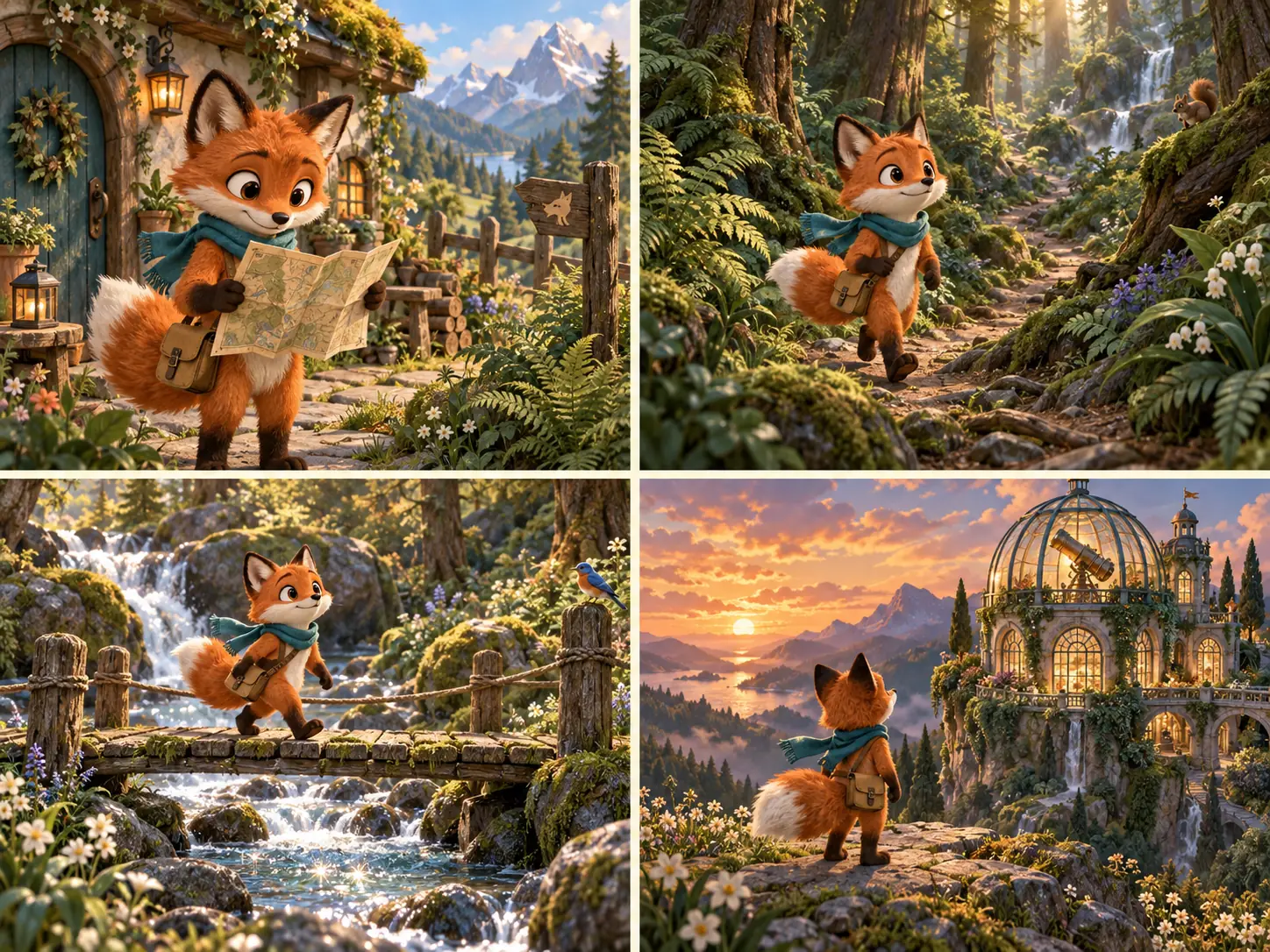
Develop a character across scenes using a consistent reference and clear instructions. Build a sequence of still images for a story or creative pitch.
Explore the workbench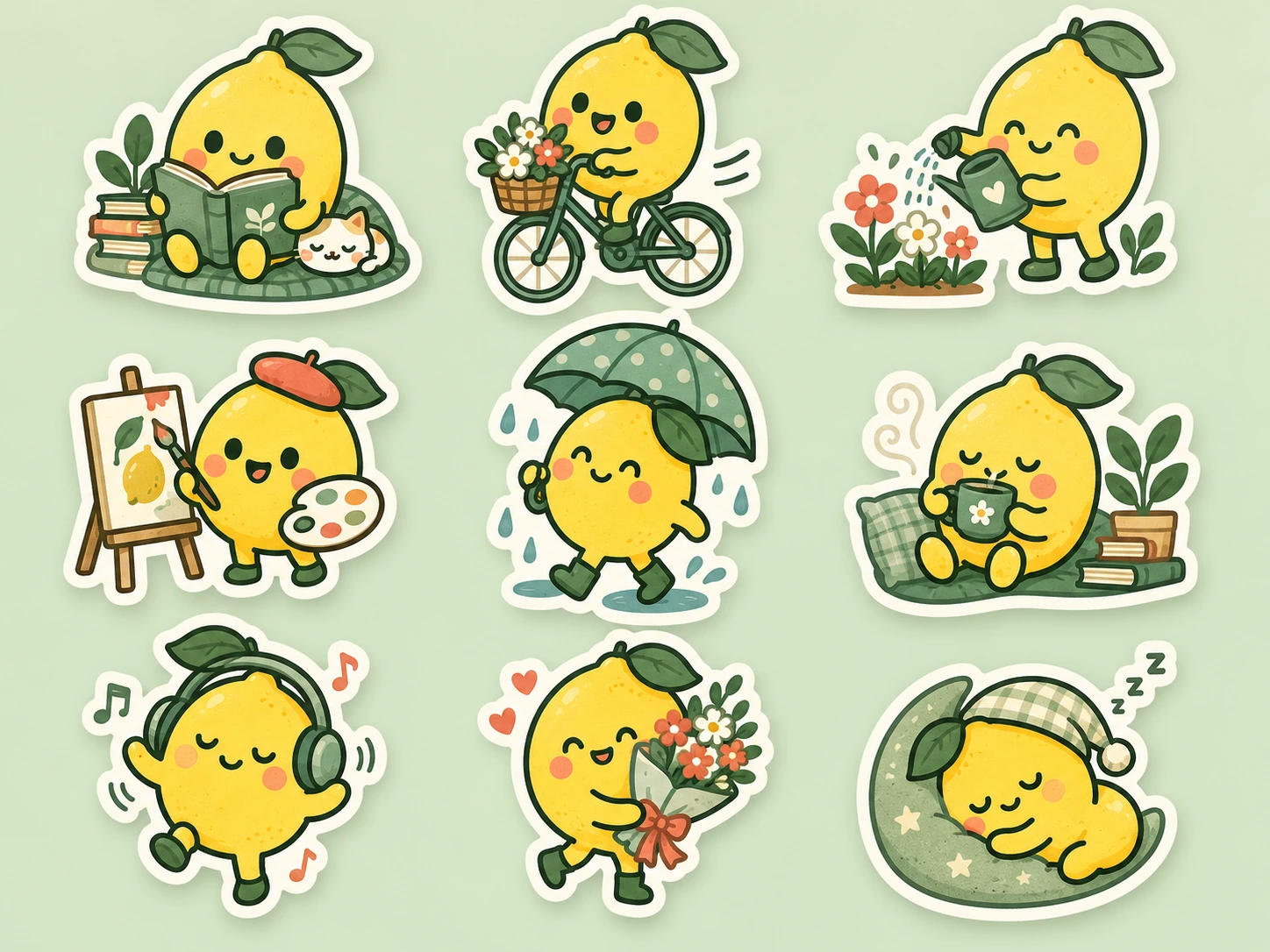
Turn a simple subject into a coordinated set of illustrations. Specify your palette, line style and composition for a coherent collection.
Explore the workbenchDescribe what should change and what should stay. These comparison slots will show your original and edited examples.
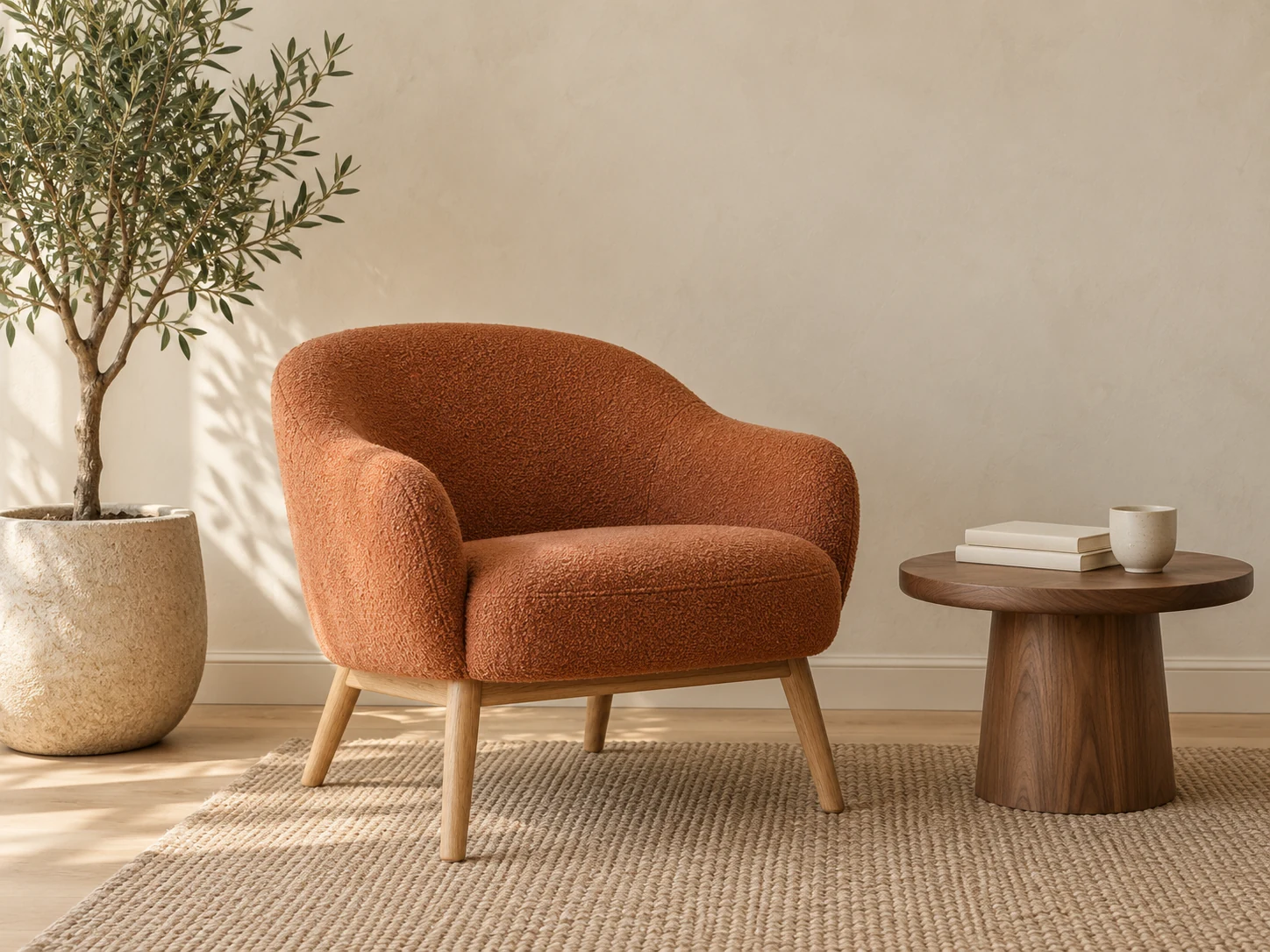
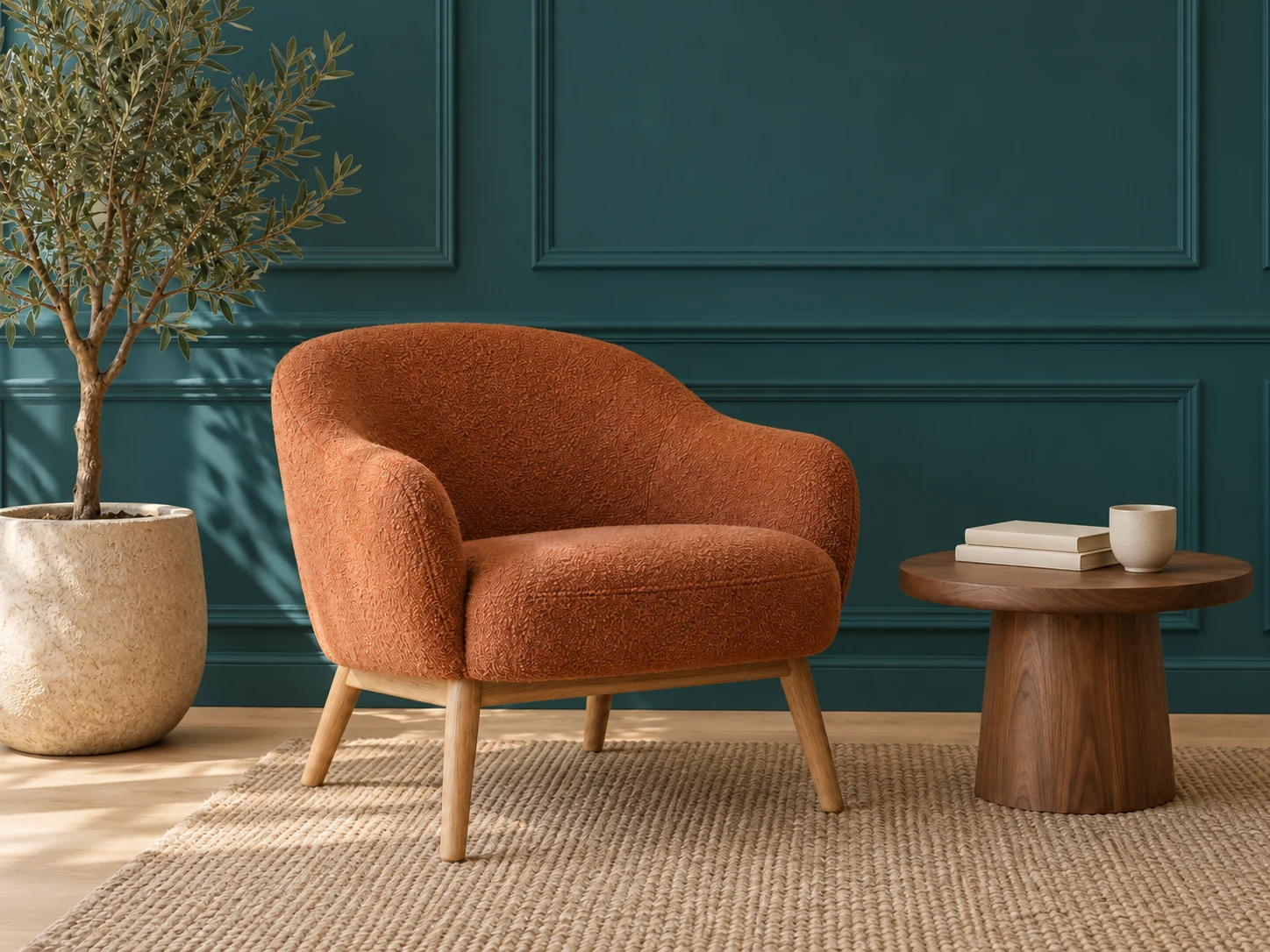
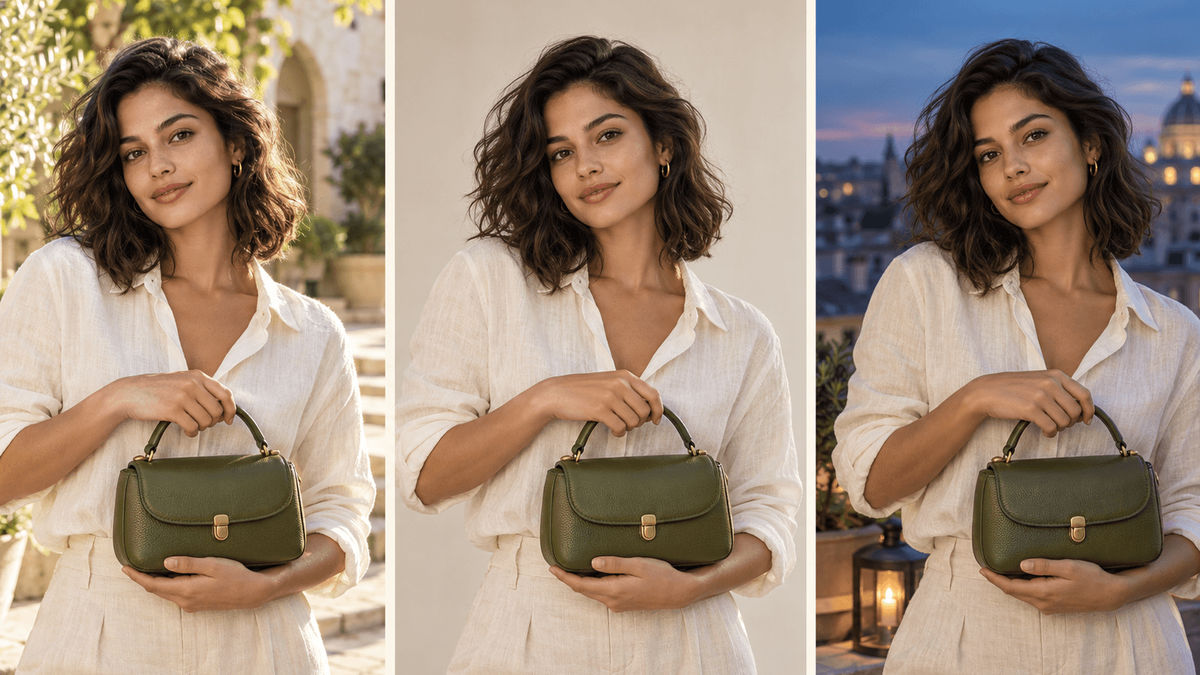
Nano Banana 2.1 is Google's image generation and editing model. It works with text and image inputs, with improvements in visual quality, text rendering and consistency across edits. This independent website is not operated by Google.
Describe a new image or use references to guide a composition, subject or style.
Use clear references and focused edits to help preserve a character or product across scenes.
Request a different background, color or object while specifying which details to retain.
Choose your starting point: a written idea or an existing image.
| Your workflow | Text to image | Image editing |
|---|---|---|
| Starting point | A descriptive text prompt | A reference image and editing instructions |
| Best suited to | New concepts, posters and illustrations | Product variations, background changes and refinements |
| Creative direction | Define subject, composition, lighting and style | Explain what to change and what to preserve |
| Refinement | Adjust the prompt to explore alternatives | Make focused edits and review each result |
A flexible image workflow that begins with your creative intent.
Start with an idea. Turn it into an image worth sharing. Nano Banana 2.1 brings your words and reference images to life as product shots, character portraits, social posts and fresh visual concepts. Create from scratch or give an existing image a new setting and style, shaping the scene you have in mind one image at a time.
New accounts receive a one-time welcome gift of 10 credits, valid for 14 days after they are granted, to explore their first ideas. Details: Free Nano Banana 2.1 online. Text-to-image costs 3/4/9 credits at 1K/2K/4K; reference-guided editing costs 3/5/10 credits respectively. When you need more credits, choose a subscription or credit pack. The welcome gift is for newly registered accounts only, is not added to existing accounts and does not include paid subscription benefits.
One image can spark an idea; several can bring the whole scene into focus. Add up to 10 reference images to guide your character, product, setting or style, then describe how they should come together. Upload JPEG, PNG or WebP files up to 20 MB each. Each request creates one image, ready for you to review and refine. The combined size of reference images must not exceed 50 MB.
Want the same character to travel through different scenes? Start with clear reference images and describe the facial features, hairstyle, clothing and colors you want to preserve. This helps keep a recognizable look across portraits, brand visuals and story scenes. Details can still vary, so review each result and refine the features that matter most.
Both can help you generate and edit images. ChatGPT Image lets you explore ideas through conversation. Nano Banana 2.1 offers a focused image workspace where you can gather reference images, choose an aspect ratio, select 1K, 2K or 4K, and export as PNG or JPG. Choose the workflow that fits how you like to create.
Bring more of your idea into the finished image: the update focuses on realism, following instructions, character continuity across edits, lettering and infographic composition. The panoramic ratios 1:4, 4:1, 1:8 and 8:1 are available at 1K; choose another ratio for 2K or 4K.
Frame your idea for where it will live: a square social post, a portrait, a landscape or a panoramic scene. Choose Auto or a supported aspect ratio, then select 1K, 2K or 4K; 1K is the default. Export your finished image as PNG or JPG. The panoramic ratios 1:4, 4:1, 1:8 and 8:1 are available at 1K; choose another ratio for 2K or 4K.
Think like a creative director: describe the subject, setting, framing, lighting and intended format. Try: A matte white skincare bottle on pale stone, soft window light from the left, centered 4:5 composition, with the words DAILY CARE on the label. For edits, explain what should change and what should stay the same.
Give your idea room to grow with a prompt of up to 20,000 characters and optional reference images. Choose the resolution, aspect ratio and PNG or JPG output, then generate one image. Review the result, sharpen your instructions and build toward the picture you imagined.
Explore Nano Banana 2.1 prompts and plan a new creative direction.